
Why Your Emailed Notarized Deed Might Get Rejected at the Recorder's Office (and How to Avoid It)
Why Your Emailed Notarized Deed Might Get Rejected at the Recorder's Office (and How to Avoid It)
You just closed a deal. The deed was notarized, the PDF was emailed to the title company, and everyone breathed a sigh of relief. Then the county recorder's office kicks it back. Rejected. Not recordable.
Meanwhile, the office down the hall emails a nearly identical-looking PDF from a different closing, and it records without a hitch. Same file format, same county, opposite outcome.
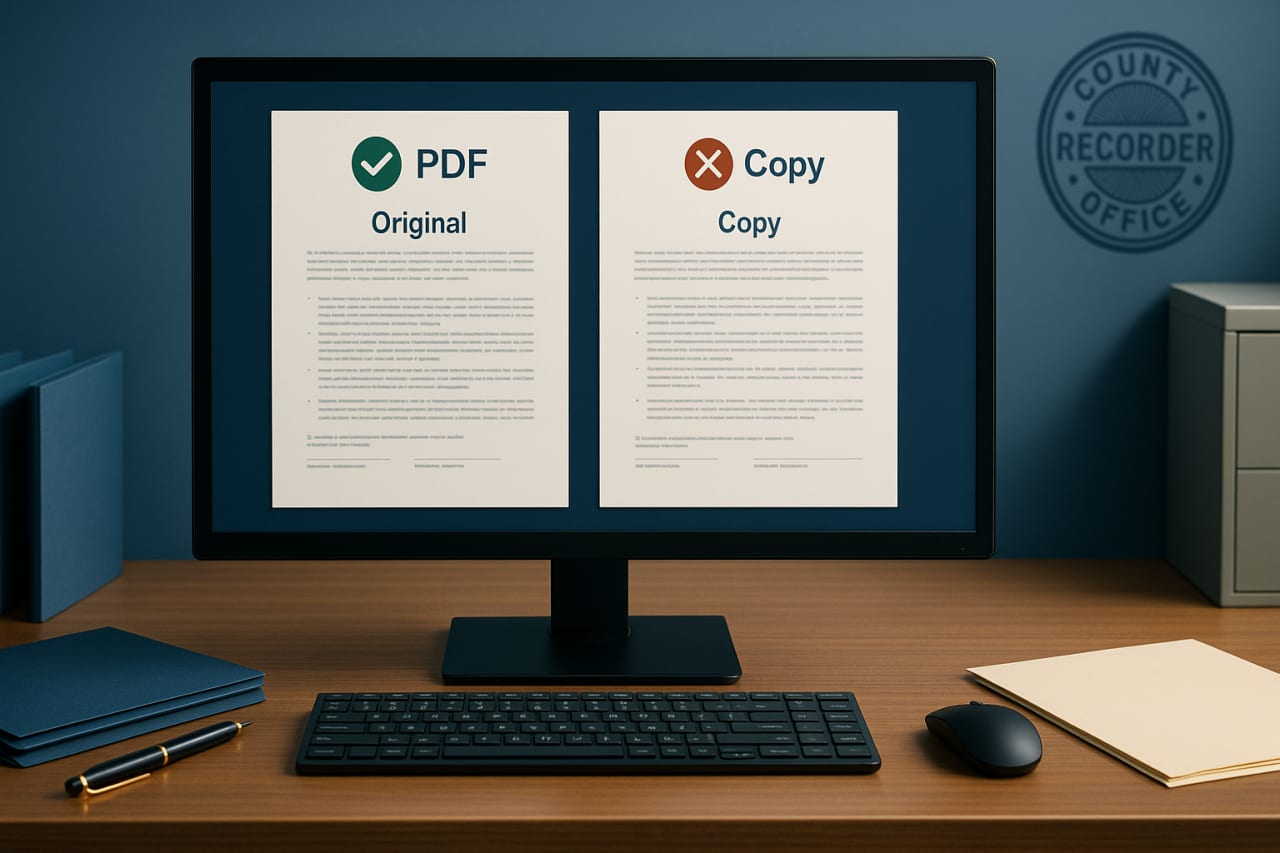
What happened? The answer comes down to a single distinction that trips up title companies, escrow officers, lending teams, and legal support professionals every single day: the difference between an electronic original and a scanned copy. They look the same. They are not the same. And understanding the gap between the two can save your closing, your client relationship, and potentially your professional reputation.
Here is what you need to know about when an emailed notarized deed will record, when it will get rejected, and how to make sure your team never sends the wrong one.
The Core Problem: Two PDFs Walk Into a Recorder's Office
Let's set the scene with something that actually happens in title and escrow offices across Florida and the rest of the country. A closer sends an emailed PDF of a notarized deed to the county recorder. The recorder rejects it, saying they need an original. The closer is confused because, from their perspective, they sent the document. It has a notary seal. It has signatures. It is a PDF. What more does the county want?
The problem is not the format. It is the origin.
When a deed is notarized the traditional way, with a signer and a notary sitting at the same table using ink pens and a physical stamp or embossed seal, the legal weight lives in the physical paper. That piece of paper, with its wet-ink signatures and physical seal impression, is the original. Everything else, every scan, every photo, every emailed copy, is just a reproduction. A reference copy. Useful for your files, but not something a county recorder, a court, or a lender is required to accept as the real thing.
Now compare that to a deed notarized through remote online notarization (RON). In a RON session, there is no paper original sitting in a drawer somewhere. The electronic document, complete with the notary's electronic seal, a digital certificate, and a tamper-evident audit trail, is the original. It was born digital. When you email that file, you are not sending a copy of something. You are delivering the authentic, legally binding original document.
Same-looking PDF. Opposite legal status. That is the distinction that decides whether your deed records or gets kicked back.
Understanding the Document Hierarchy: Originals, Certified Copies, and Plain Scans
If you work in title, escrow, lending, or legal support, you need to have this hierarchy memorized. It is the framework that county recorders, courts, and lenders all use when deciding what they will and will not accept.
Tier 1: The Original Document
This is the gold standard. For a traditionally notarized document, the original is the physical paper with wet-ink signatures and the notary's physical seal. For a RON-notarized document, the original is the electronic file itself, the one generated during the notarization session, containing the digital certificate, electronic seal, and tamper-evident audit trail.
Originals are what county recorders require for recording. They are what courts require when original signatures and seals must be verified. They are what lenders require on high-value transactions and mortgage documents.
Tier 2: Certified Copies
A certified copy is a reproduction that has been officially verified by an authorized entity (like the county clerk's office or a notary, depending on the jurisdiction) as a true and accurate copy of the original. Certified copies carry legal weight in many contexts, but they are not a universal substitute for originals.
Tier 3: Plain Scans and Photocopies
This is where things go wrong for a lot of closings. A plain scan or photocopy of a wet-ink notarized document is just that: a copy. It has no certification, no verification, no chain of custody. It is useful for reference, for backup files, and for internal records. But when an original is required, a plain scan will be rejected.
The critical takeaway here is that a RON file delivered by email sits in Tier 1. A scanned wet-ink document delivered by email sits in Tier 3. If your team treats them interchangeably, you are going to run into problems.
The Legal Foundation: Why Electronic Originals Carry the Same Weight as Wet Ink
This is not a gray area. The legal basis for treating RON-notarized documents as originals is well established at both the federal and state levels.
The ESIGN Act
The Electronic Signatures in Global and National Commerce Act, commonly called the ESIGN Act, was signed into federal law back in 2000. It establishes that electronic signatures and electronic records cannot be denied legal effect solely because they are in electronic form. In plain English: if a document was properly created and signed electronically, it carries the same legal weight as its paper counterpart.
UETA (Uniform Electronic Transactions Act)
The Uniform Electronic Transactions Act has been adopted by 49 states (New York being the holdout, though it has its own equivalent provisions). UETA reinforces the same principle as ESIGN: an electronic record satisfies any law that requires a record to be in writing, and an electronic signature satisfies any law that requires a signature.
Together, ESIGN and UETA create the legal backbone for RON. When a notary conducts a remote online notarization, the resulting electronic document is not a digital approximation of a paper original. Under federal and state law, it is the original. Period.
Florida's RON Framework
Florida, where we are based, was actually one of the early adopters of RON legislation. The state's framework recognizes electronic notarizations and provides clear guidelines for how they must be conducted, including identity verification requirements, audio-video recording of the session, and tamper-evident technology. If a RON session follows these requirements, the resulting document is fully valid and recordable in Florida counties.
This matters for our clients across the state, especially in South Florida, where real estate transactions move fast and remote closings have become increasingly common.
Who Rejects Scanned Copies (and Why)
Let's get specific about where plain scans of wet-ink notarizations run into trouble. If your team regularly handles real estate closings, court filings, or lending documents, these are the gatekeepers you need to be aware of.
County Recorders
County recorder offices are the most common point of rejection. Their entire function is to maintain official records of real property transactions, and they have strict requirements about what qualifies as a recordable document. In most jurisdictions, that means either a physical original or a properly e-recorded electronic original. A scanned PDF of a wet-ink deed, no matter how clear and legible, does not meet the standard.
Some counties have adopted e-recording systems that accept electronic documents submitted through approved platforms. But even in those systems, the document must be an electronic original (from a RON session) or a physical original that has been properly digitized through the county's own process. You cannot just scan a paper deed at your office and upload it as if it were an electronic original.
Courts
Courts require original signatures and seals for many filings, particularly for documents that will be entered into evidence or that carry legal obligations. A scanned copy of a notarized affidavit or deed may be accepted for informational purposes or as an exhibit, but when the court needs to verify authenticity, they want the original. For paper notarizations, that means the physical document. For RON notarizations, the electronic file meets that standard.
Lenders and Banks
Lenders, especially on high-value transactions like commercial real estate deals and large residential mortgages, are often the strictest about document authenticity. Their underwriting and compliance teams know the difference between an electronic original and a scanned copy, and they will flag the latter. If your closing package includes scanned copies of wet-ink notarizations where originals are expected, expect delays, requests for re-execution, or outright rejection.
Foreign Authorities and Apostille Authentication
For transactions that involve international parties or require apostille authentication, the original document requirement is even more rigid. A scanned copy of a notarized document will not be accepted for apostille by the Secretary of State's office. You need either the physical original or, where accepted, a properly executed electronic original from a RON session.
Common Scenarios Where Teams Get This Wrong
Knowing the rules is one thing. Applying them in the middle of a fast-moving closing is another. Here are the scenarios where we see title, escrow, and legal support teams make mistakes.
Scenario 1: The Last-Minute Signer
A signer cannot make it to the closing table, so someone arranges for them to sign with a local notary and scan/email the document. The team receives the PDF and assumes it is ready to record. It is not. It is a scan of a wet-ink document, which means the physical original needs to be overnighted or the document needs to be re-executed through a RON session.
Scenario 2: The Out-of-State Party
A property seller lives in another state. Rather than coordinating a mobile notary and overnight shipping, someone suggests they "just get it notarized locally and email it over." Again, the emailed scan is only a copy. The team either needs the physical paper shipped or, far more efficiently, should arrange a RON session that produces an electronic original the signer can complete from anywhere with an internet connection.
Scenario 3: The Backup File Mix-Up
A closing coordinator saves both the RON electronic original and a scan of a different document from the same transaction in the same folder. When it is time to submit to the recorder, they grab the wrong file. The scan gets rejected, and the team scrambles to locate the correct electronic original. Simple file management and clear naming conventions can prevent this entirely.
Scenario 4: The Hybrid Closing
Some closings involve a mix of documents, some notarized in person and some notarized via RON. The team needs to track which documents are electronic originals (recordable by email) and which require the physical paper to be collected, transported, and submitted. Treating all documents in the package the same way is a recipe for partial rejections.
What to Do Now: Action Steps for Your Team
Whether you are running a title company, managing an escrow desk, overseeing a lending operation, or providing legal support services, here is how to put this knowledge into practice.
This Week
- Audit your current closing pipeline. Look at any pending transactions where notarized documents will be emailed or uploaded. For each one, confirm whether the document is a RON electronic original or a scan of a wet-ink notarization. If it is a scan, you need a plan to obtain the physical original or re-execute via RON.
- Label your files clearly. Establish a naming convention that distinguishes electronic originals from scanned copies. Something as simple as adding "ORIGINAL" or "SCAN" to the filename can prevent costly mix-ups at the recorder's office.
- Brief your team. Have a 15-minute conversation with everyone involved in document handling. Make sure they understand the distinction between electronic originals and scanned copies and can identify which is which.
This Month
- Establish a RON-first policy for remote signers. Any time a signer cannot be physically present at the closing table, default to a RON session rather than arranging an in-person notarization that will need to be physically shipped. This eliminates the scan-versus-original problem entirely and often speeds up the closing.
- Create a document intake checklist. When your team receives notarized documents by email, the first question on the checklist should be: "Was this notarized via RON, or is this a scan of a wet-ink original?" Build this verification step into your workflow so nothing slips through.
- Verify county requirements. Different counties may have slightly different e-recording requirements and accepted formats. Confirm the specific requirements for every county where you regularly record documents, and keep a reference sheet your team can access quickly.
This Quarter
- Train on ESIGN and UETA basics. Your team does not need to be lawyers, but everyone handling notarized documents should understand the legal foundation for electronic originals. A one-hour training session covering ESIGN, UETA, and your state's RON framework will pay dividends in reduced errors and rejections.
- Review your vendor relationships. If you work with mobile notaries, signing services, or RON platforms, make sure their processes produce documents that meet recording standards in your jurisdictions. Not all platforms are created equal, and a vendor whose output does not meet county requirements creates problems downstream.
- Build rejection-tracking metrics. Start tracking any document rejections from county recorders, courts, or lenders. Categorize them by cause. If "scan submitted instead of original" shows up more than once, you have a process gap that needs to be closed.
The Bottom Line
A PDF from a RON session is an electronic original and records just like a wet-ink document. A PDF scan of a traditional wet-ink notarization is just a copy, and county recorders, courts, and lenders will reject it when an original is required. Knowing the difference, and building your workflows around it, is the simplest way to avoid rejected filings, delayed closings, and frustrated clients.
Need Help With Your Next Closing?
At Headley Legal Support Services, we handle notarization, process serving, and legal support for attorneys, title companies, and real estate professionals across South Florida and beyond. If you have questions about RON, document recording, or any part of the closing process, reach out to us. We are happy to walk you through it.